Focused Mobile Navigation
A compact interface helps users locate login, account, support, and platform sections with fewer screen changes.
 Register
The SR93 App guide helps Philippine Android users understand the mobile installation process before they begin. It covers finding the official APK source, checking download details, managing Android permissions, signing in securely, and using account features with care. Read the platform terms, confirm local availability, and set personal limits before using any gaming-style service on a mobile device.
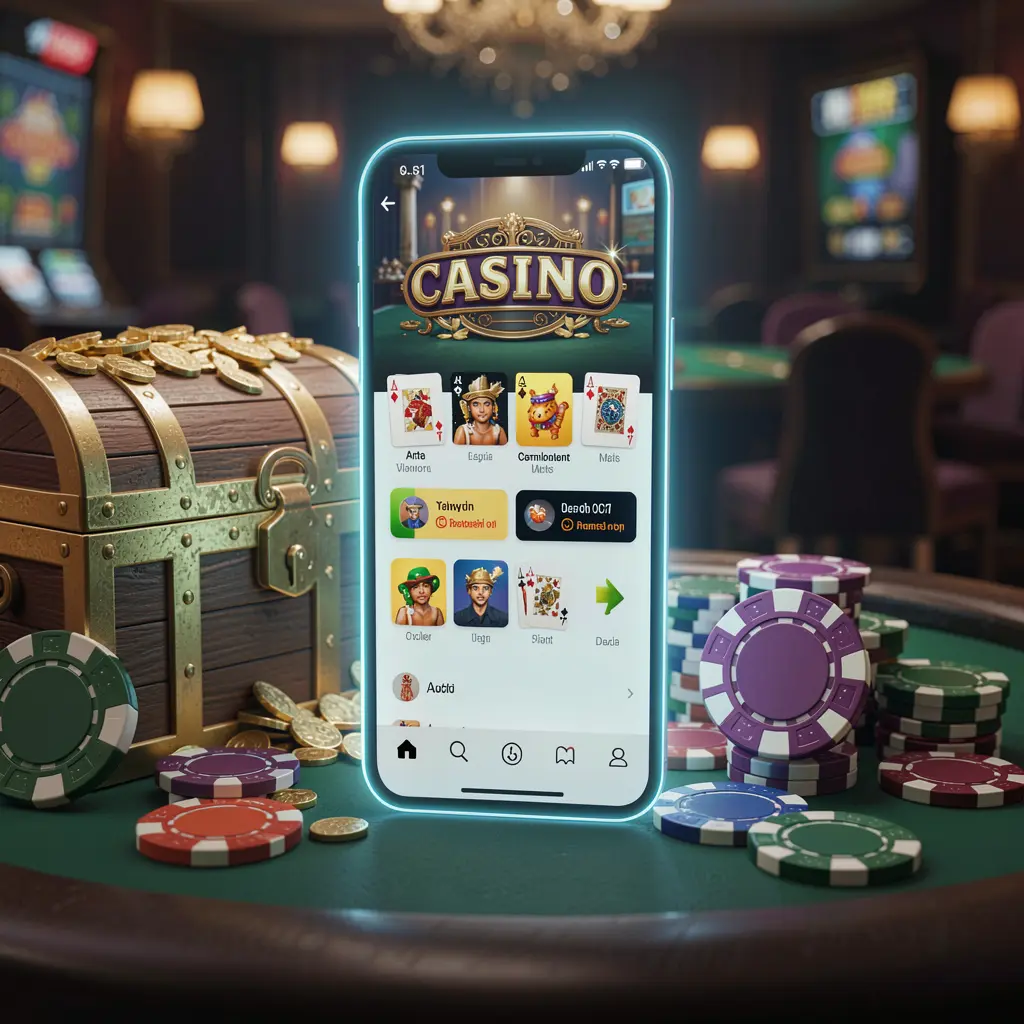
The SR93 App is an Android-focused access option for people who prefer opening account tools and entertainment sections from a dedicated mobile interface instead of a browser tab. A clear app layout can make login, profile settings, wallet pages, and help options easier to find on a phone.
Before installing any APK, users in the Philippines should make sure the download comes from the official SR93 page. Checking the source matters because copied files and unfamiliar links can put personal information, device security, and account access at risk.
The SR93 App provides a mobile route to SR93 platform areas for adults who choose to use the service where permitted. Users should review applicable rules, account conditions, and responsible gaming information before proceeding.
A compact interface helps users locate login, account, support, and platform sections with fewer screen changes.
Mobile access can keep profile details, transaction records, and settings available whenever users need to review them.
Downloading through the official SR93 page helps users avoid unknown files, altered software, and misleading installation instructions.
Users can review terms, manage account details, and apply personal spending boundaries before participating.
Use the official SR93 website as the starting point for an Android installation. Device menus may look different by phone model, but the essential safety checks and installation steps remain similar.
Open the official SR93 website in your Android browser and locate the App or APK section. Do not rely on forwarded links, unfamiliar adverts, or files shared through private messages.
Select the official Android download option and wait until the file has fully saved. Check your browser download list so you open the intended file rather than an older copy.
Android may ask you to permit installation from the browser or file manager used for the download. Enable this setting only when needed, then turn it off again after installation.
Launch the installed app and sign in or register using accurate details. Create a strong password, read the relevant terms, and check account settings before using any wallet or gaming-style sections.
Keep your phone protected with a screen lock and install updates when they become available. Avoid saving passwords on shared devices, and never provide one-time codes, recovery details, or login credentials to another person.
Mobile access can be convenient, so it is important to decide your budget and time limit before opening the app. Do not use gambling-style services when financial obligations need attention or when decisions may be affected by stress, fatigue, or alcohol.
SR93 should be considered adult entertainment only where its use is allowed. Check current local requirements in the Philippines, understand that outcomes involve risk, and stop using the service if it no longer feels manageable or enjoyable.
Useful answers about SR93 App downloads, Android installation, and safer mobile access.
Download the SR93 App only through the official SR93 website and its dedicated App or APK section.
Download the official APK, allow installation from the browser or file manager if Android requests it, open the file, and follow the on-screen prompts.
Files from unknown messages or groups may be copied, modified, or unsafe. The official SR93 page is the safer place to check download information.
Review every request and be cautious about permissions unrelated to normal app functions. Disable temporary unknown-source installation permission after completing setup.
No. Gambling-style activity carries financial risk and must not be treated as a reliable source of income.